
WhatsApp7 min read
Running a WhatsApp Shared Inbox With Smart Automation
Set up a WhatsApp shared team inbox with routing, labels, saved replies and automation, while keeping a human in the loop and measuring response times.
Read article
Conversations to action
Social Agent connects WhatsApp, social media, email, databases, servers and APIs, then lets an AI agent and drag-and-drop workflows do the work. Approvals, permissions and a full audit trail keep you in charge.
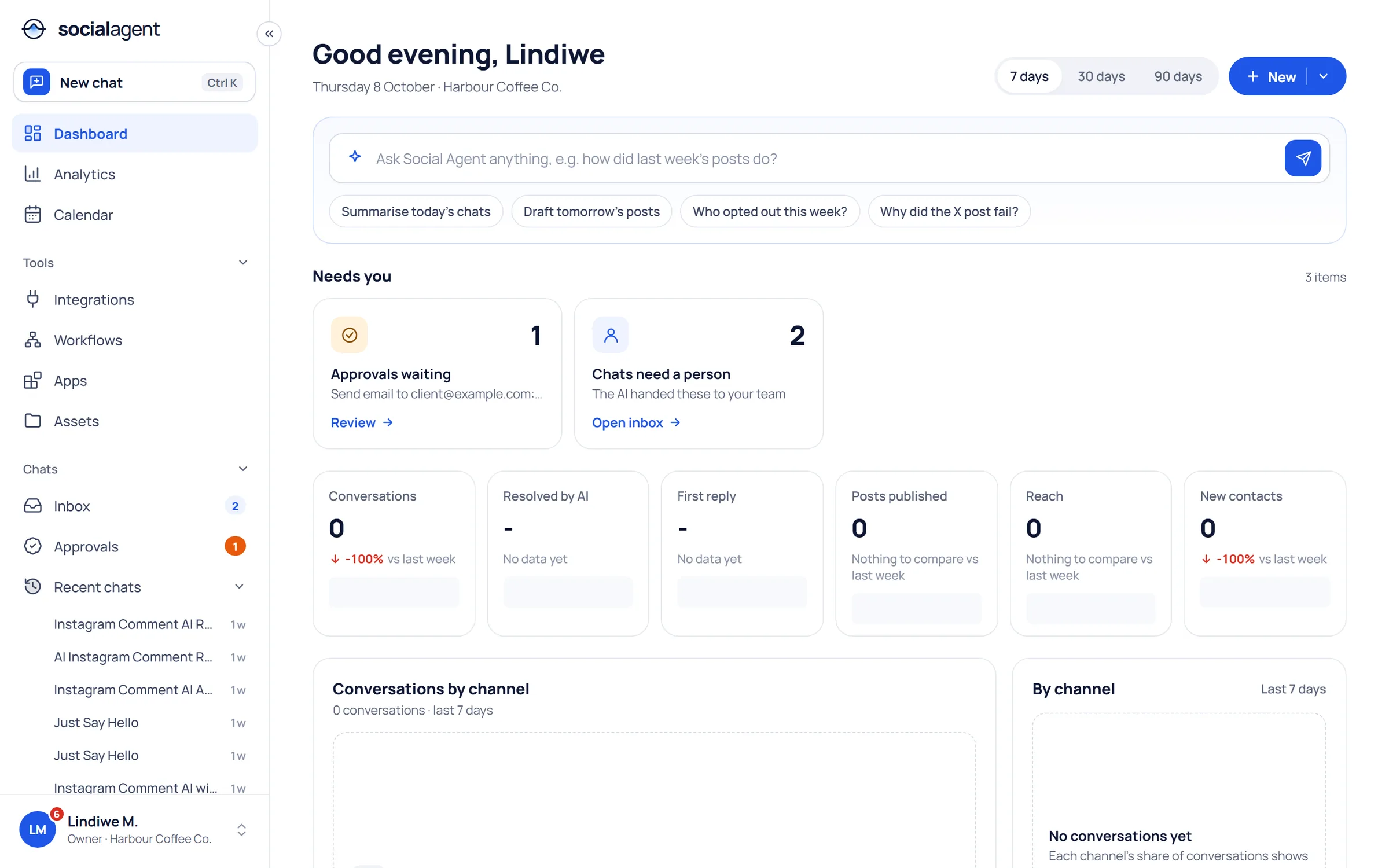
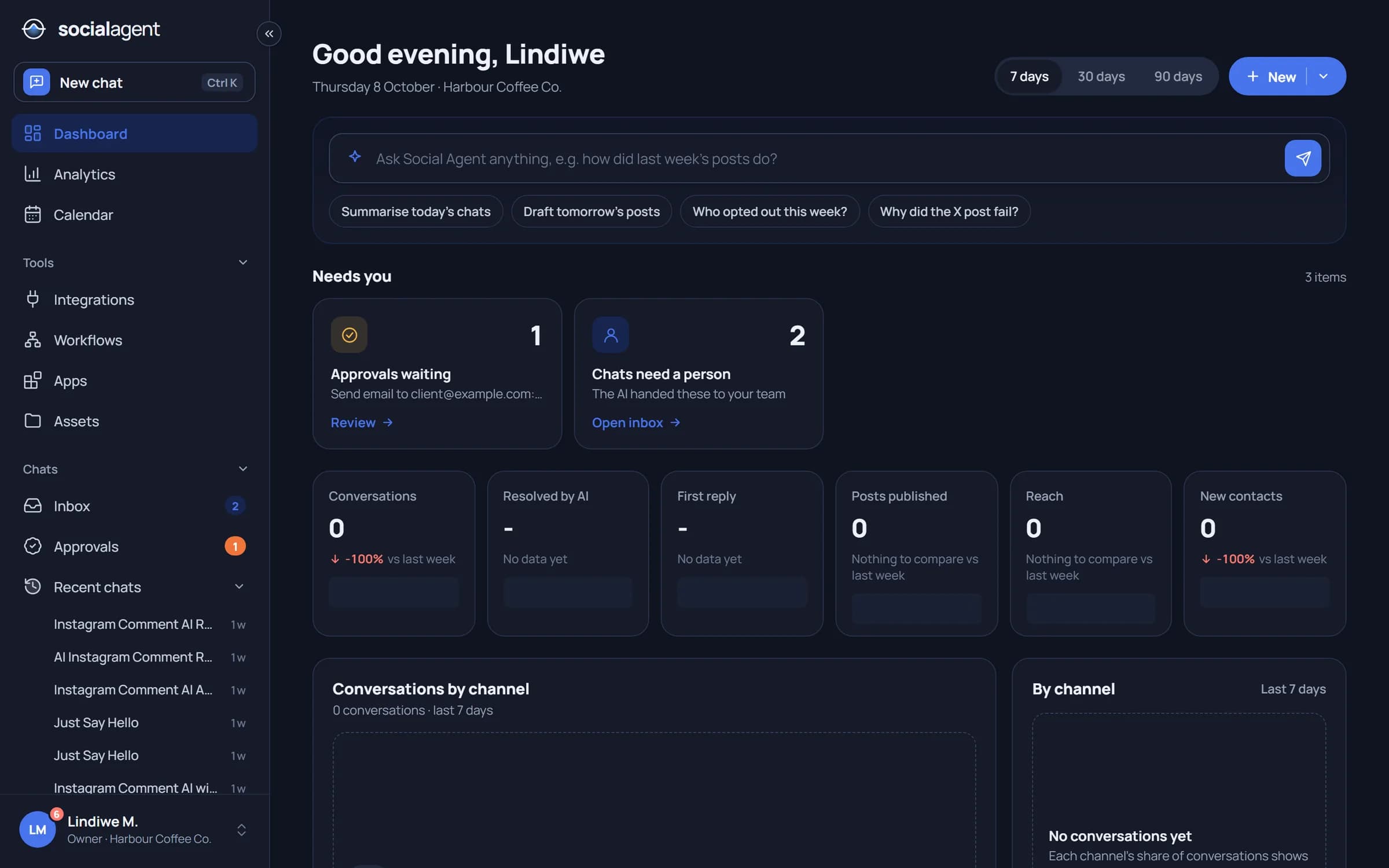
Connects the channels and systems you already run
One platform
Stop copying between tools. Conversations, campaigns and operations share one organization, one set of integrations and one set of rules.

Broadcasts to opted-in audiences, a shared inbox, template approvals and an AI front desk, through the provider you choose.
Explore WhatsApp Business
The agent drafts posts for each network. Approve, schedule, reply and measure from one calendar.
Explore Social media
Drag-and-drop automation across databases, servers, email and any API, with AI steps and human approvals.
Explore Workflows and AIWhatsApp broadcasts
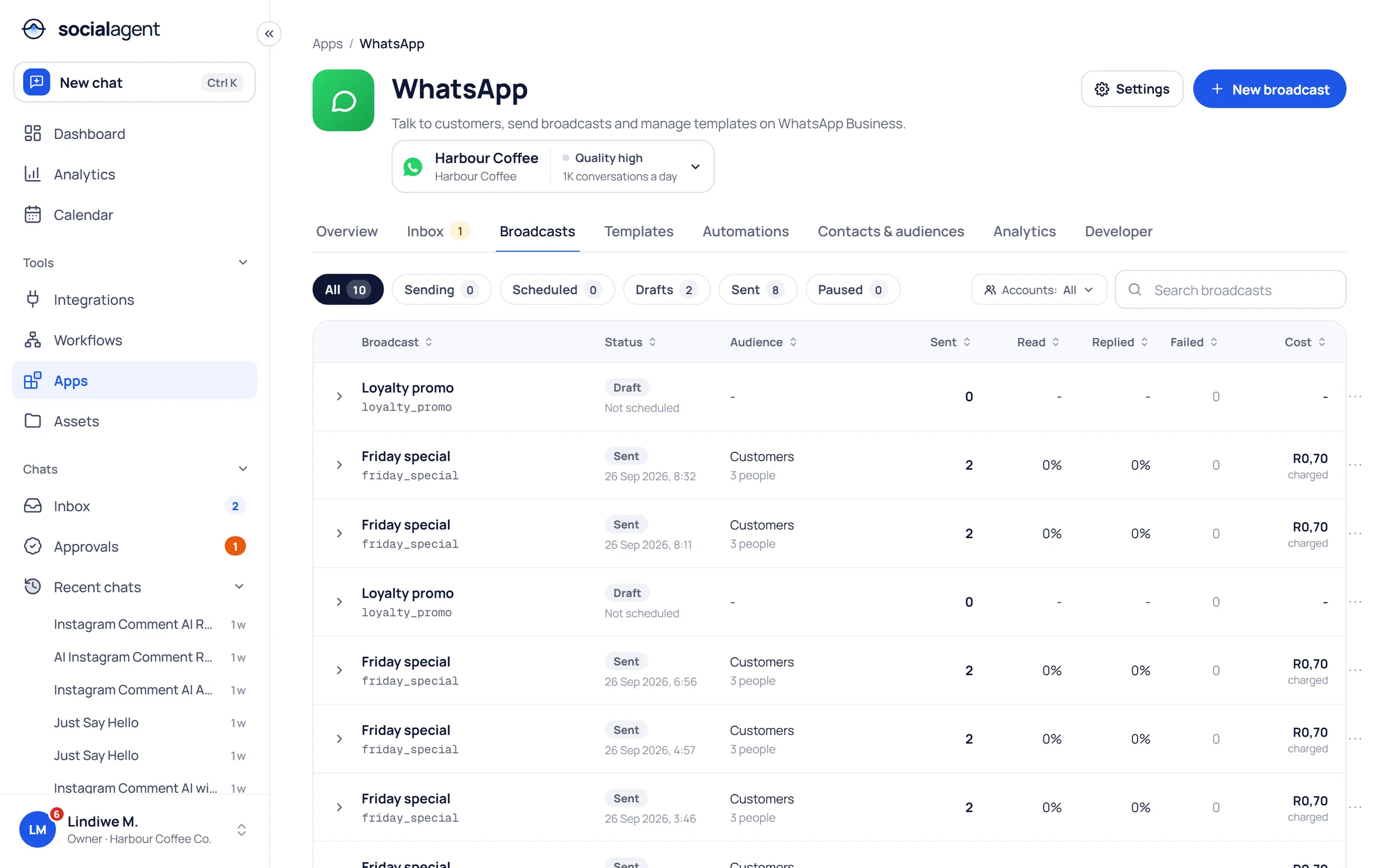
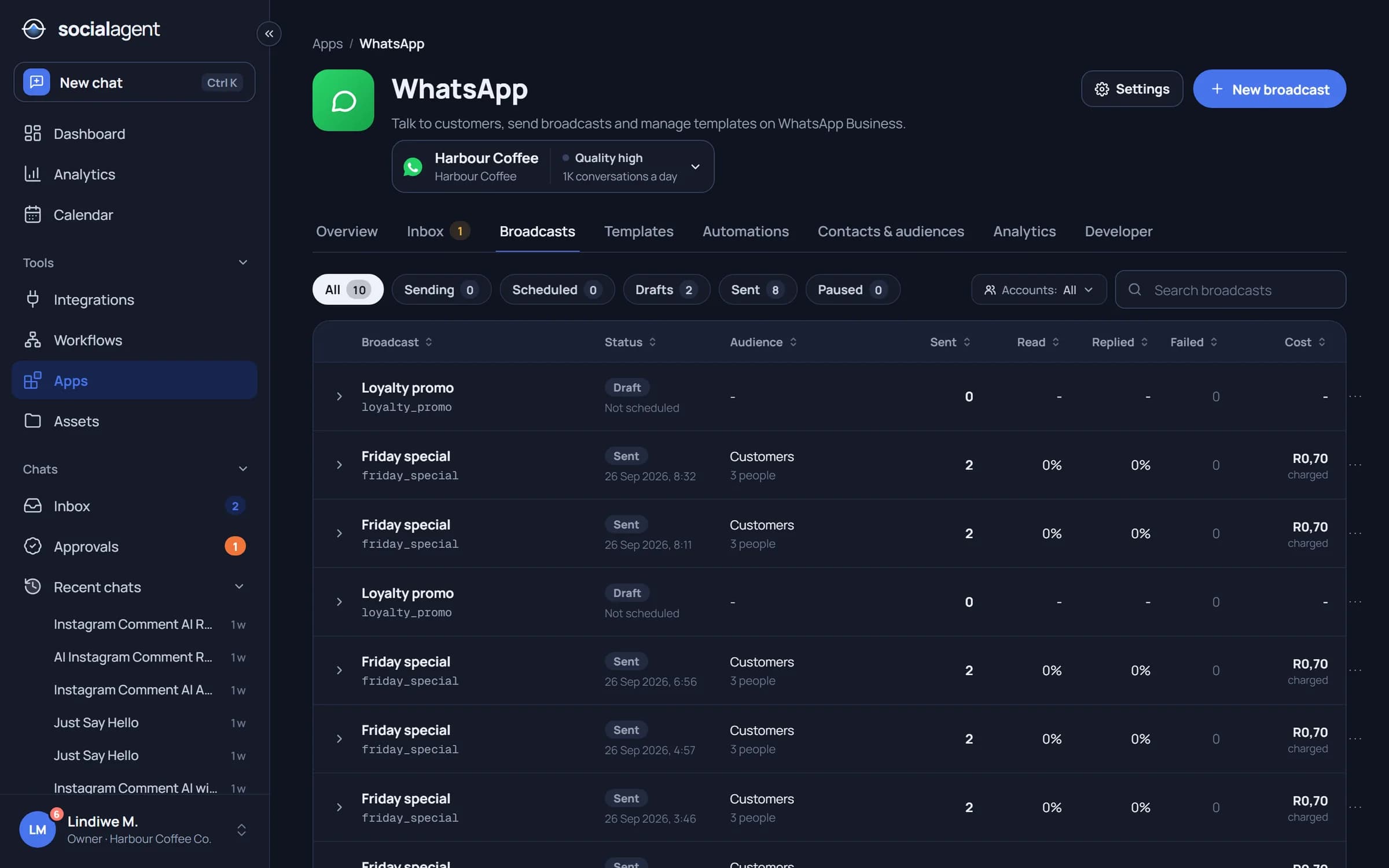
Pick an audience from your contacts, a CSV or a live database query, choose an approved template and schedule it. Opt-outs are skipped automatically and every send is tracked.
Workflows
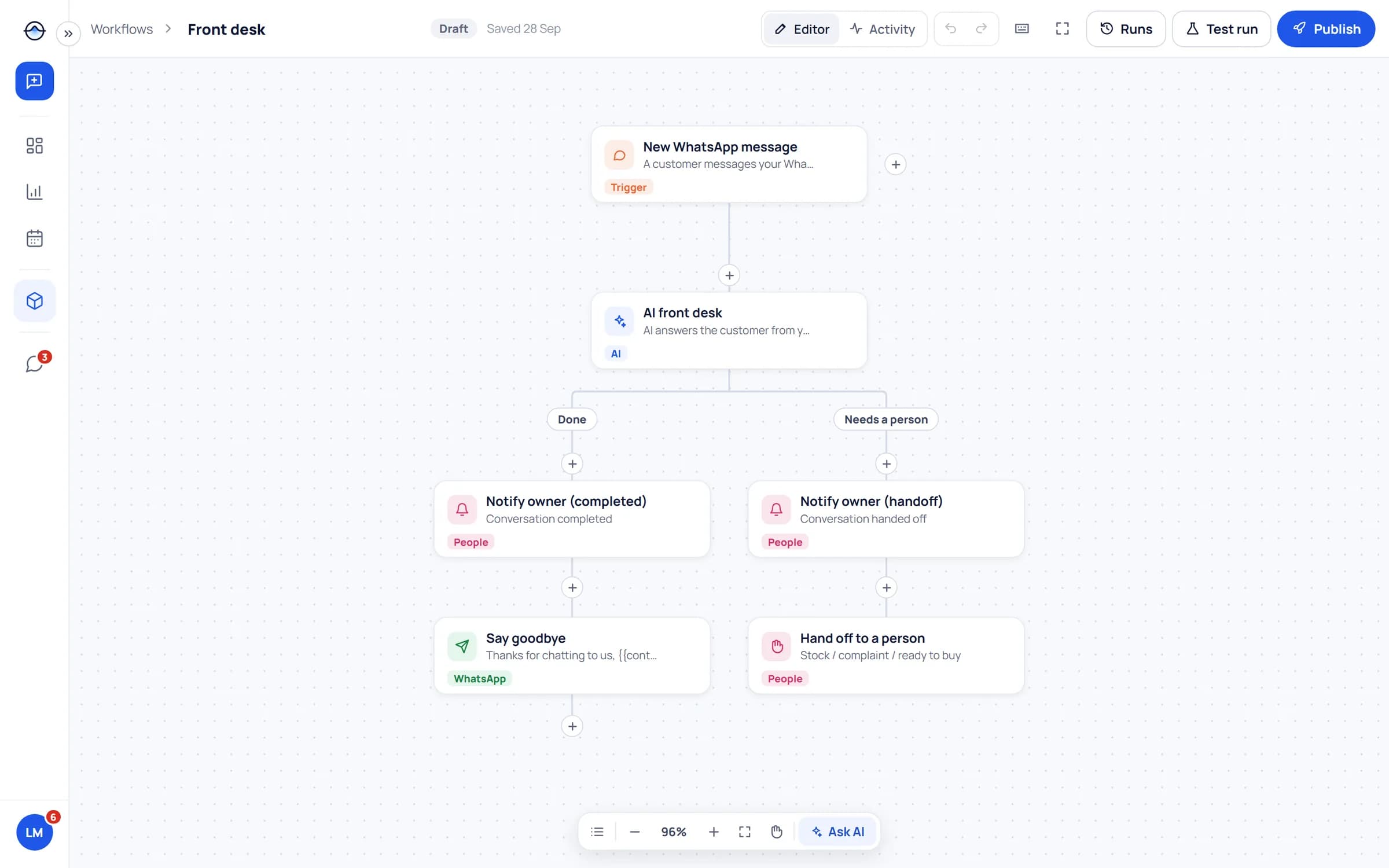
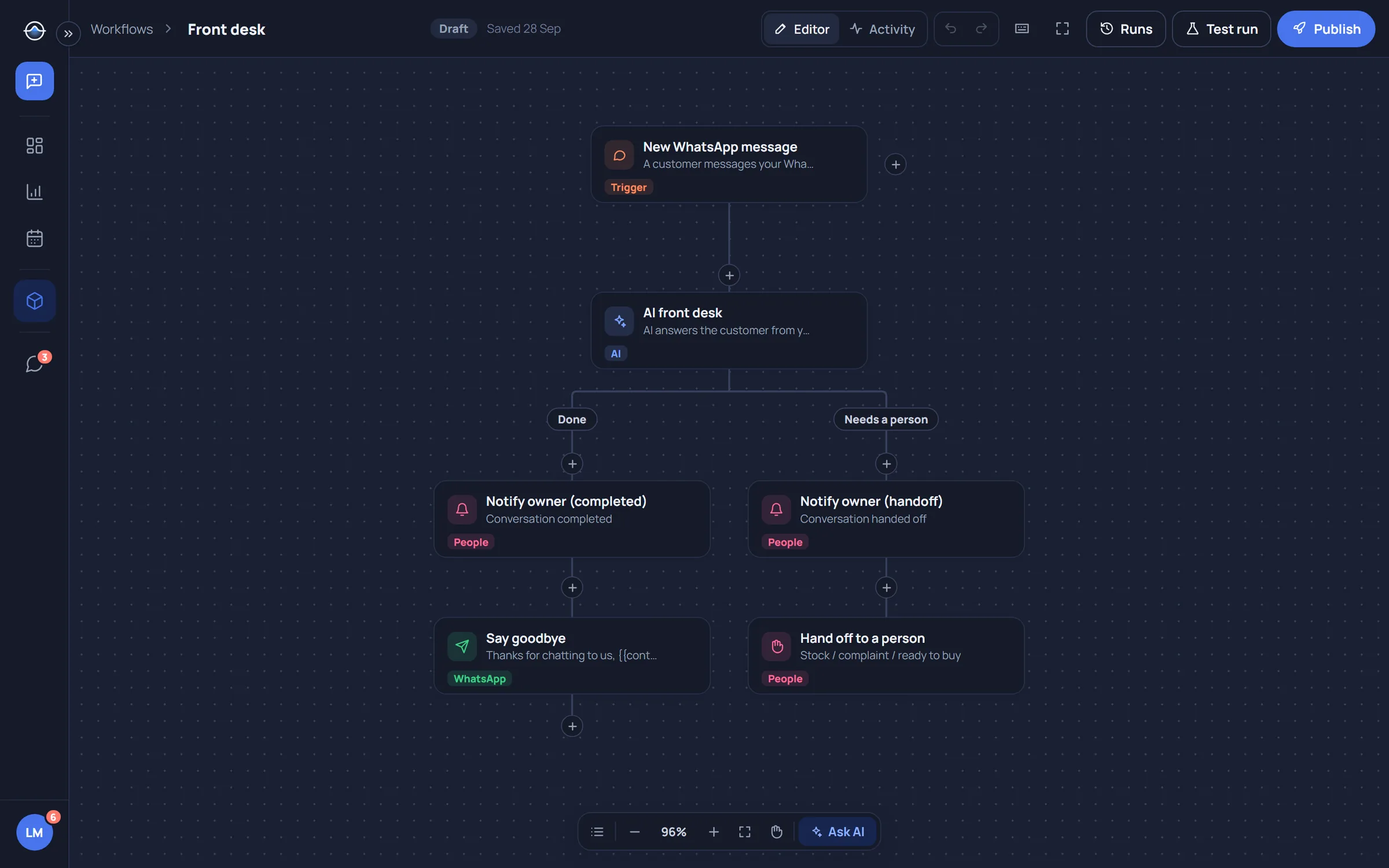
Drag triggers and steps onto the canvas: messages, comments, emails, schedules and webhooks in; AI, SQL, SSH, HTTP, email, WhatsApp and social out. Branch, wait and ask a person when it matters.
AI agent
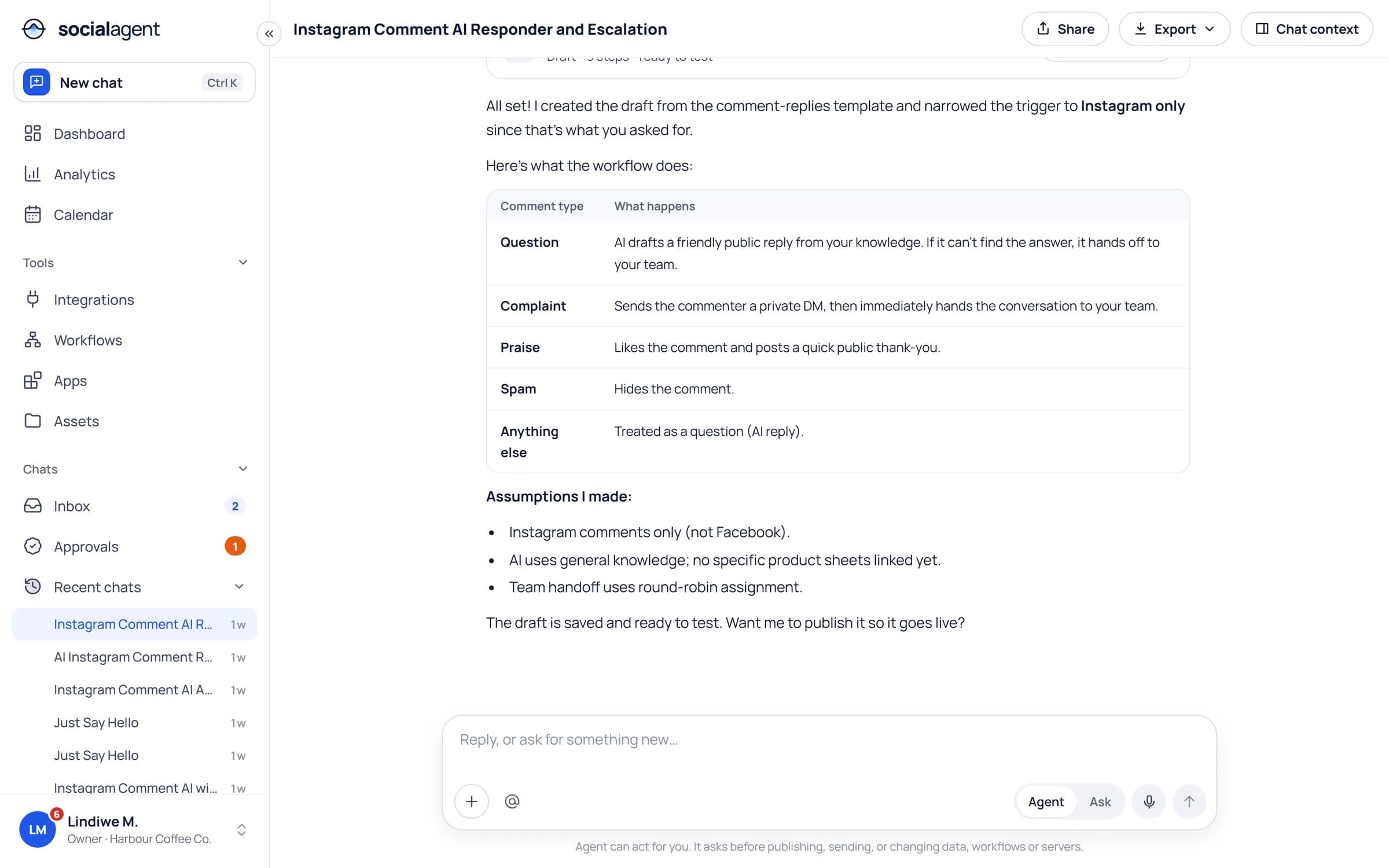
Describe what you need in plain language. The agent drafts the posts, builds the workflow or answers the customer, explains its assumptions and waits for your go ahead.
Limitless workflows
A few of the workflows teams build in an afternoon. Mix and match any trigger with any step.
Solutions
From a single shop to a public service answering thousands of residents, the same controls apply.
Security and trust
Power without control is a liability. Social Agent puts permissions, approvals and an audit trail around every action, and supports POPIA consent and opt-outs out of the box.
Secrets never exposed
Keys and passwords are write-only, encrypted and injected at run time.
Approvals
Sends, posts, database writes and commands can wait for a yes.
Permissions
Roles plus per-integration access decide who and what may act.
Audit trail
Every run, message, approval and AI tool call is recorded.

Integrations
Every connection is available to the agent and to every workflow, within the permissions you set.
WhatsApp through the provider you already use, or straight to Meta.
Send, receive and route email as part of any workflow.
Query and update your own data with read-only or scoped credentials.
If it has an API, a webhook or a shell, it can be a step.
Example
An illustrative week for a business with a few stores, a busy WhatsApp number and three social accounts. The same pattern works for a clinic, a municipality or an online shop.
Every step below is logged and every send was approved.
Monday
The marketing lead asks the agent for this week's posts. Drafts for Instagram, Facebook and LinkedIn land in review.
Tuesday
The manager approves in one pass. Posts are scheduled; the calendar shows them next to Friday's WhatsApp broadcast.
Wednesday
Customers ask about opening hours on WhatsApp. The AI front desk answers; a complaint is handed to a person with context.
Thursday
A workflow reads last week's loyalty members from the database and prepares the broadcast audience, skipping opt-outs.
Friday
The broadcast goes out in batches. The morning report arrives by email: sales, replies and engagement in one place.
From the blog
Set up a WhatsApp shared team inbox with routing, labels, saved replies and automation, while keeping a human in the loop and measuring response times.
Read article
How to run AI agents safely in business operations: least-privilege tools, human approvals, secrets isolation, audit logs, prompt injection defences and rollout.
Read article
How South African enterprises can run WhatsApp Business API broadcasts that respect POPIA consent rules, protect quality ratings and deliver measurable results.
Read articleSocial Agent is a control plane for customer conversations and business systems. It connects WhatsApp, social media, email, databases, servers and APIs, and lets an AI agent and drag-and-drop workflows act on them with approvals, permissions and an audit trail.
Marketing, customer service and operations teams that want WhatsApp, social media and their own systems working together, from small businesses to enterprises and agencies managing several brands.
Meta Cloud API directly, 360dialog, eCommunicate, or any other vendor API that you map once. Your broadcasts, templates and automations stay the same if you change provider.
The agent only uses the integrations you attach, with the permissions you set. Credentials are never shown to the model, side effects can require approval and everything is logged.
There is a free plan to get started, and paid plans per seat for teams that need more profiles, AI credits and automation. Enterprise plans are tailored. See the pricing page for details.
Start free, connect a channel, ask the agent and turn what works into a workflow. The Free plan stays free.
Social publishing
Plan once, publish everywhere, measure what matters
The agent turns one brief into posts for each network. Approvers sign off, the calendar shows everything that goes out, and analytics compare channels on the same terms.
- Facebook, Instagram, LinkedIn, X, TikTok and YouTube
- Posts, broadcasts and emails on one calendar
- Comment replies from the shared inbox
See social media