


WhatsApp7 min read
Running a WhatsApp Shared Inbox With Smart Automation
Set up a WhatsApp shared team inbox with routing, labels, saved replies and automation, while keeping a human in the loop and measuring response times.
Read article
WhatsApp Business
Reach opted-in customers with approved templates, answer every chat from one shared inbox, and let AI handle the routine while your team takes over when it matters. Bring the WhatsApp provider you already use.
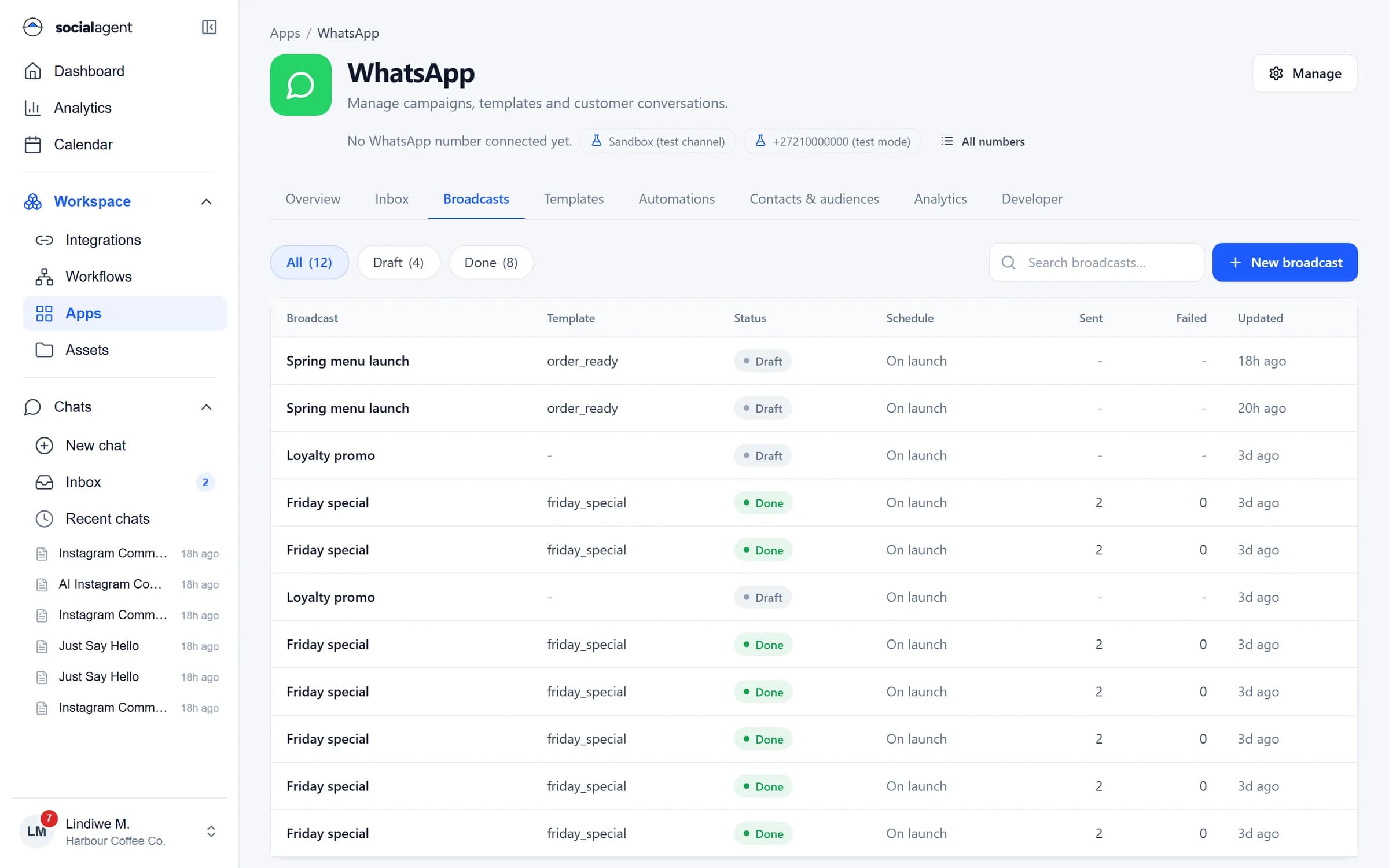
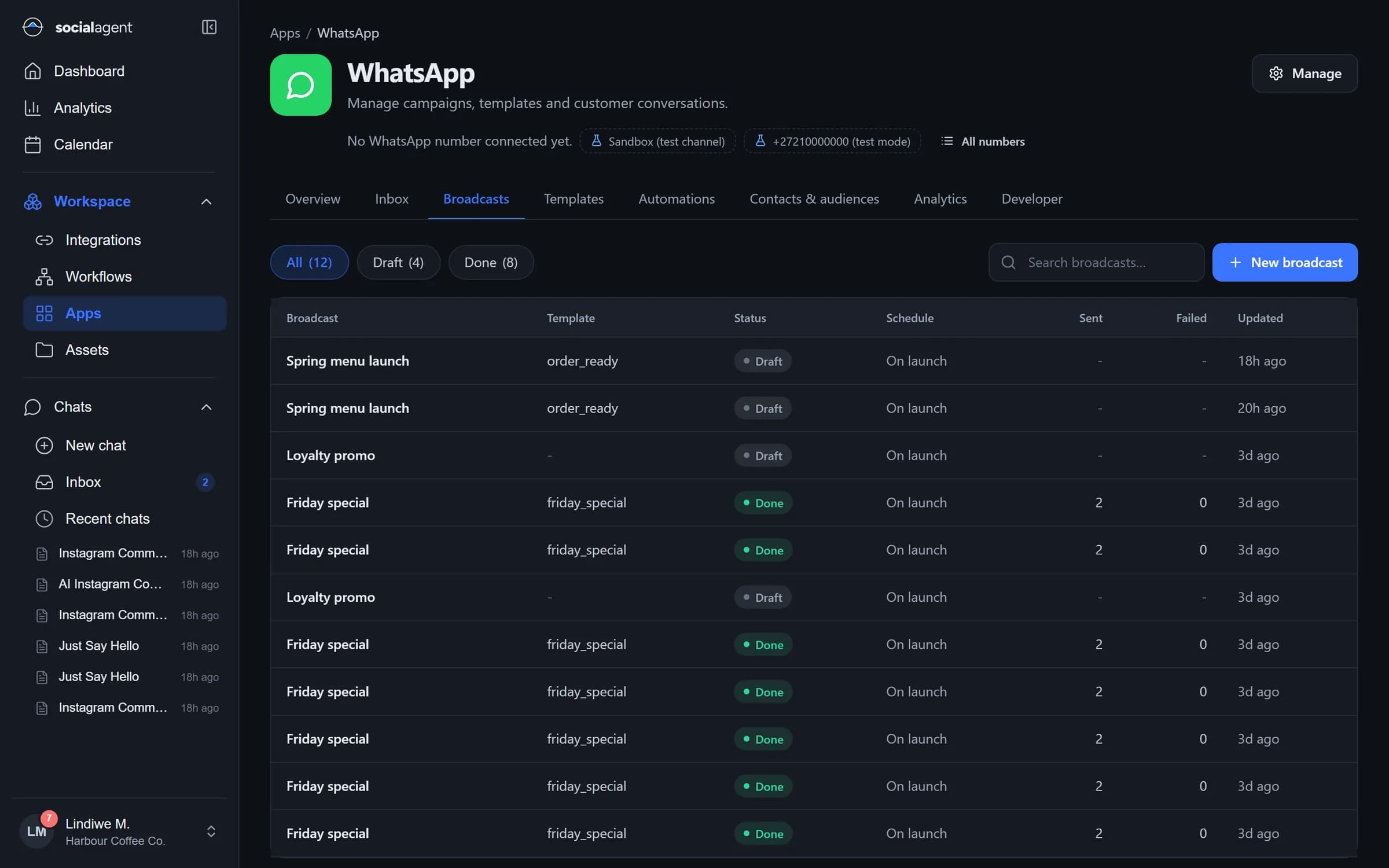
Send approved templates to audiences from contacts, CSV imports or a database query, in batches, with opt-outs respected automatically.
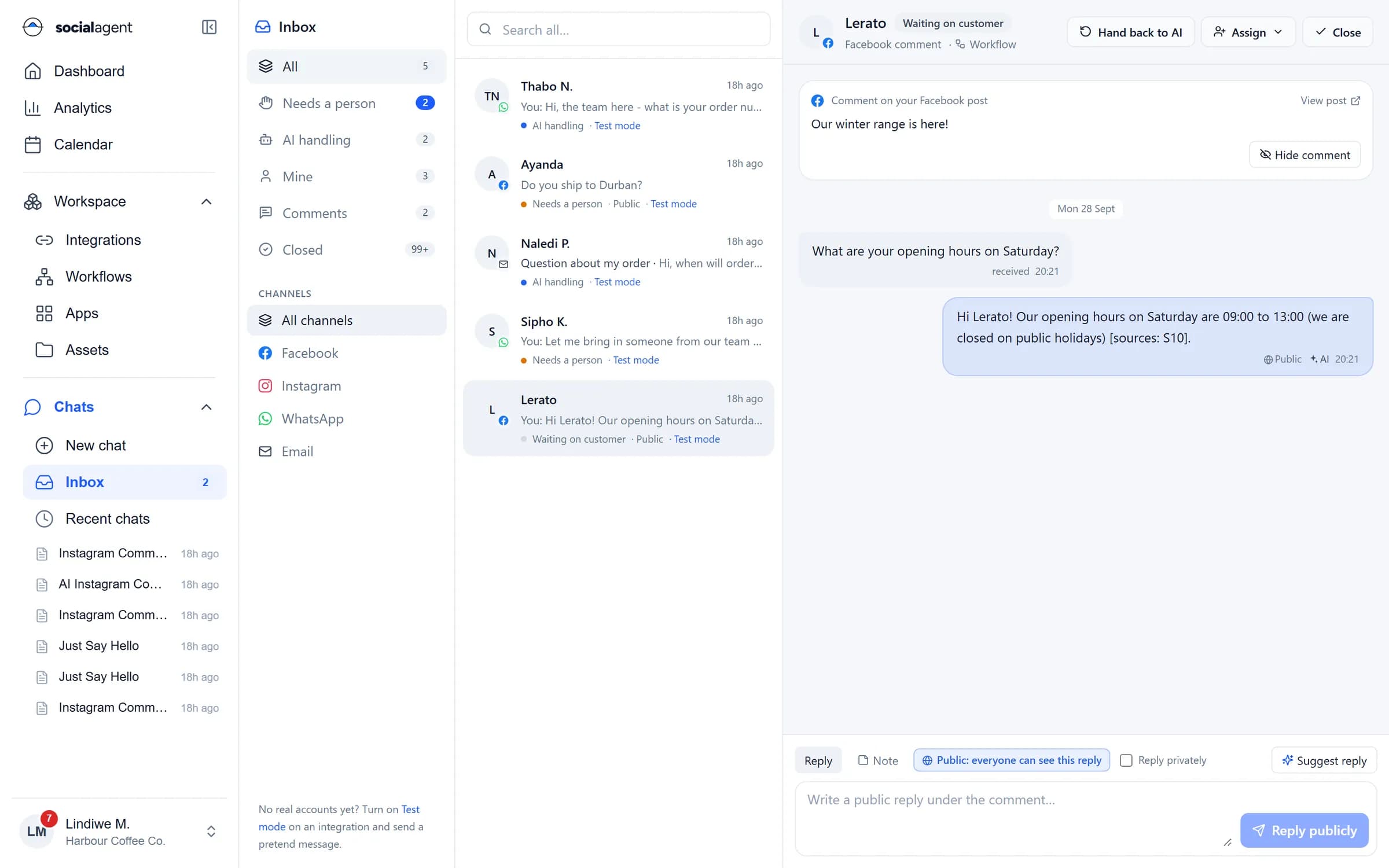
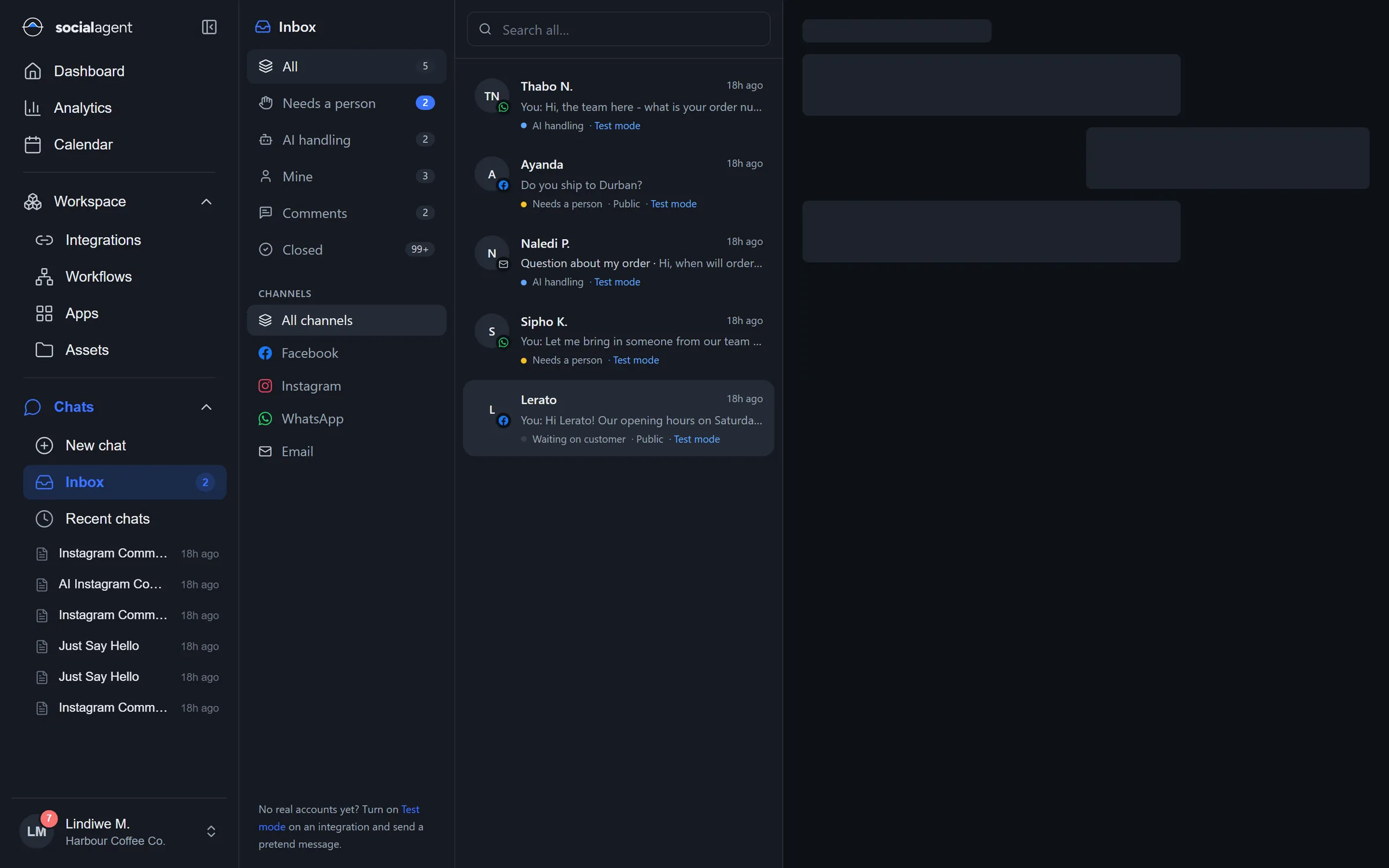
Every conversation in one place with assignment, notes, labels and a clear "needs a person" queue.
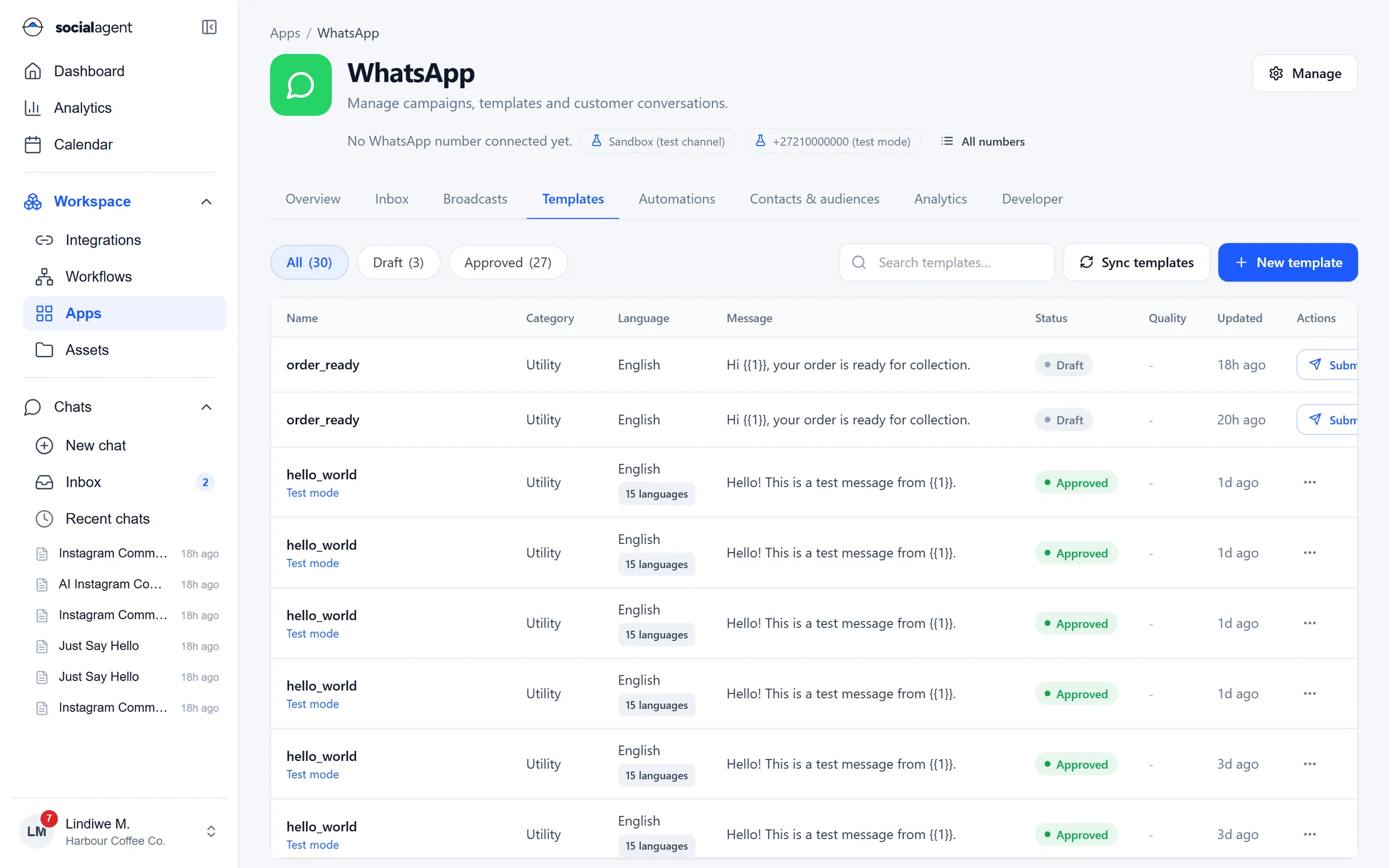
Create, submit and sync Marketing, Utility and Authentication templates, and see approval status and quality.
The agent answers from your knowledge, shows prices and products, and hands over to a person with the context.
Meta Cloud API direct, 360dialog, eCommunicate or any vendor API you map once. Switch without rebuilding.
Opt-outs and consent records travel with every contact, so a broadcast never reaches someone who said no.
Broadcasts
Build an audience from tags, a spreadsheet or a live SQL query, pick an approved template, map the variables and schedule it. Reruns skip anyone who already received the message.
Shared inbox
WhatsApp chats arrive next to Facebook and Instagram messages and email. The AI replies inside the customer service window when it can and flags the rest for a person.
Templates
Write templates with variables, media headers and buttons, submit them to Meta and keep them in sync. Status, category and quality sit next to each other so nothing surprises you on send day.
Automation
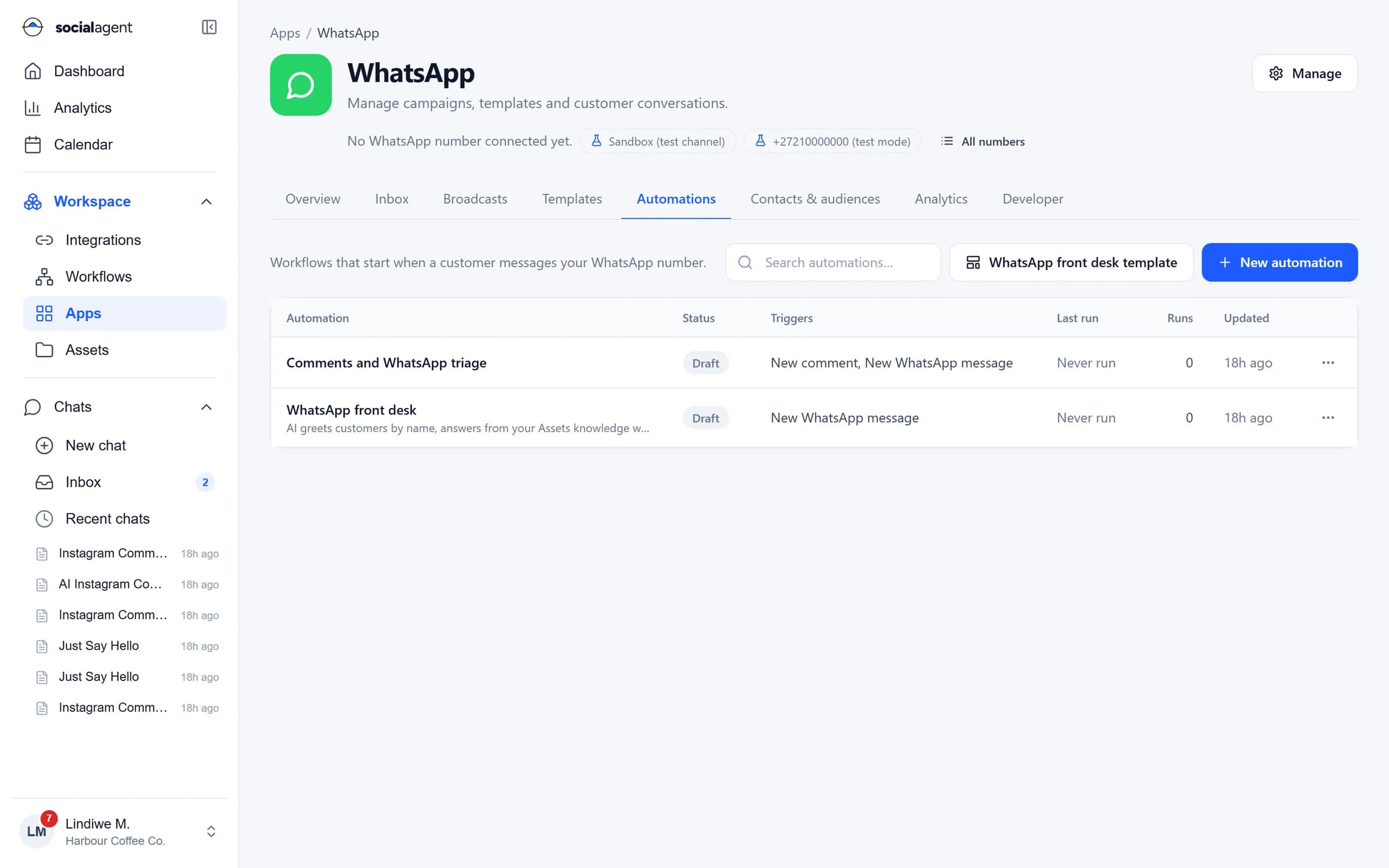
Any workflow can start when a customer messages your number: qualify a lead, look up an order in your database, book a slot through an API, then reply or hand over.
One platform
Every product shares the same integrations, permissions, approvals and audit trail.
Guides
Set up a WhatsApp shared team inbox with routing, labels, saved replies and automation, while keeping a human in the loop and measuring response times.
Read article
How South African enterprises can run WhatsApp Business API broadcasts that respect POPIA consent rules, protect quality ratings and deliver measurable results.
Read article
Marketing, Utility and Authentication templates explained: what each is for, how Meta reviews them, common rejection reasons and a checklist before you submit.
Read articleYou need a WhatsApp Business number on the WhatsApp Business Platform. You can connect it through Meta directly (Cloud API) or through a provider such as 360dialog or eCommunicate. If you use another vendor, you can map its API once and use it the same way.
Yes. Broadcasts, templates, automations and the inbox are defined in Social Agent, not in the provider, so changing the connection does not mean rebuilding your workflows.
Every contact carries its opt-in and opt-out state. Opt-out keywords are processed automatically and broadcasts skip anyone who has opted out. This supports POPIA direct marketing rules, but you remain responsible for how consent was collected.
Only if you allow it. You decide which conversations the AI may answer, what knowledge it uses and when it must hand over to a person. Replies can also be held for approval.
Yes. Test mode and the sandbox channel let you send pretend messages and run your automations end to end before you go live.
Connect your number, import your templates and send your first broadcast with approvals in place.