





No-Code Workflows That Connect Databases and APIs Safely
Build no-code workflows that connect databases and APIs: triggers, steps, safe SQL, API retries and idempotency, webhooks, error alerts and three worked examples.
Read article


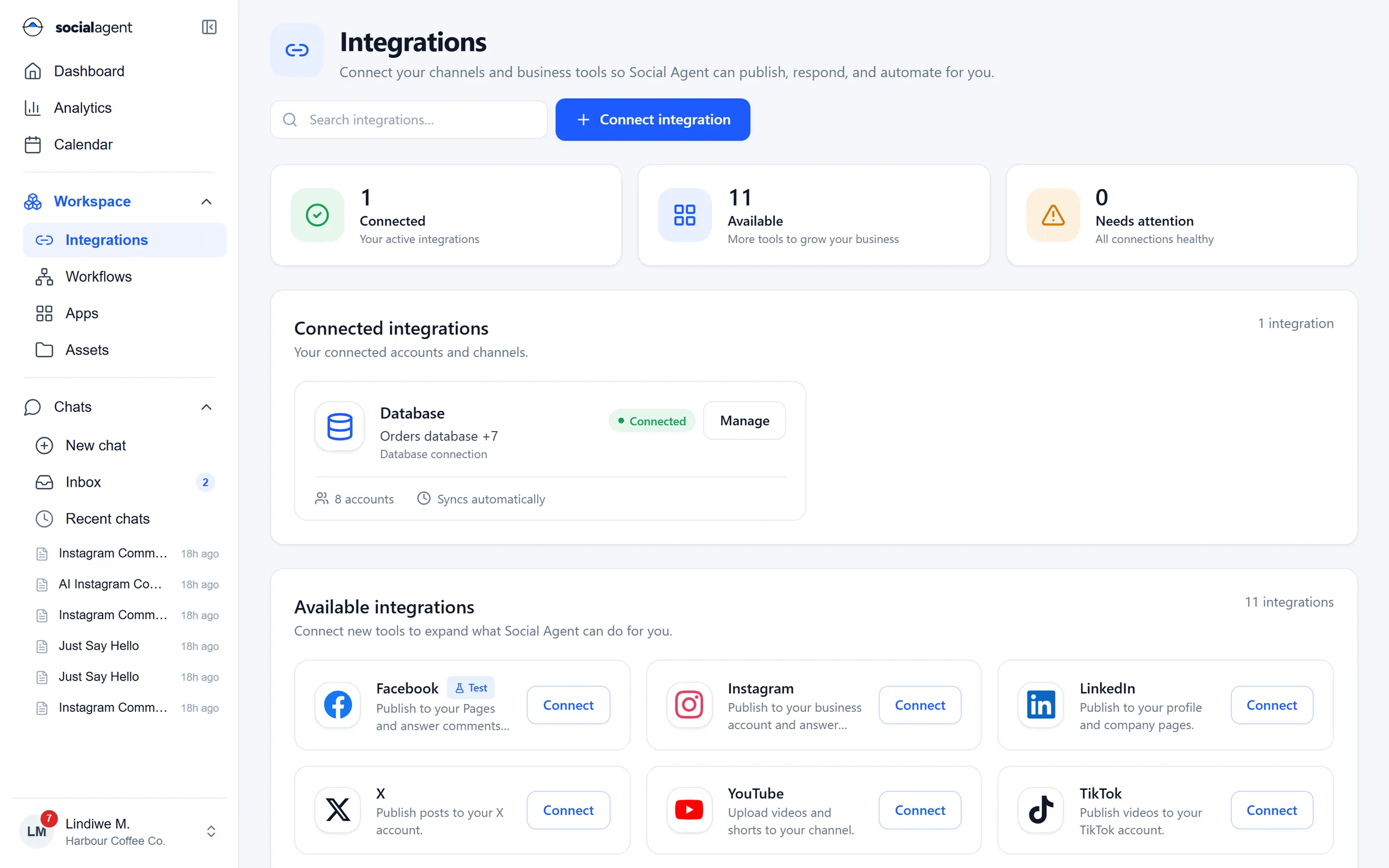
Integrations
Every integration you connect becomes available to the agent and to every workflow, within the permissions you set. Credentials stay encrypted on the server and never reach the browser or the AI.

Integrations
Passwords and keys can be entered and replaced, never read back.
Choose who can use a connection and what the agent may do with it.
Rehearse with pretend messages and sample data before going live.
See which connections need attention before a workflow fails.
Describe any HTTP API once and use it as a step or an agent tool.
Receive events from other systems and start workflows instantly.
Databases
Connect PostgreSQL, MySQL or SQL Server with read-only or narrowly scoped users. Queries are parameterised, results can feed broadcasts and reports, and writes can require approval.

Servers
Run health checks, restart services or collect logs on your own servers. Commands can be allow-listed, and anything risky waits for approval with the output recorded.

APIs and email
Call REST APIs with API keys, bearer tokens, basic or HMAC auth, receive events on webhook URLs, and send or receive email through Gmail, Microsoft 365 or SMTP and IMAP.

One platform
Every product shares the same integrations, permissions, approvals and audit trail.
Guides

Build no-code workflows that connect databases and APIs: triggers, steps, safe SQL, API retries and idempotency, webhooks, error alerts and three worked examples.
Read article
Set up a WhatsApp shared team inbox with routing, labels, saved replies and automation, while keeping a human in the loop and measuring response times.
Read article
How to run AI agents safely in business operations: least-privilege tools, human approvals, secrets isolation, audit logs, prompt injection defences and rollout.
Read articleYes. If it has an HTTP API you can describe it once and use it in workflows and chats. If it only has a database or a server, connect those directly.
No, and we recommend against it. Create a user with read access to the tables you need, and a separate scoped user if a workflow needs to write.
Encrypted in a secrets store on the server. They are injected at run time and never returned to the browser, written to logs or shown to the AI.

Add your first integration in minutes and use it from chats and workflows straight away.